LEGACY LEARNING MODERNIZATION
Communication Showdown
Modernizing a Legacy Learning Activity
A legacy PowerPoint review game rebuilt as a self-directed Storyline experience with updated visual design, navigation, interaction, and accessibility.
Role: Learning Experience Designer & Developer
Tools: Articulate Storyline 360 · PowerPoint
Audience: College-level communication learners
Focus: Content Modernization · Learner Navigation · Interaction Design · Accessibility
The Challenge
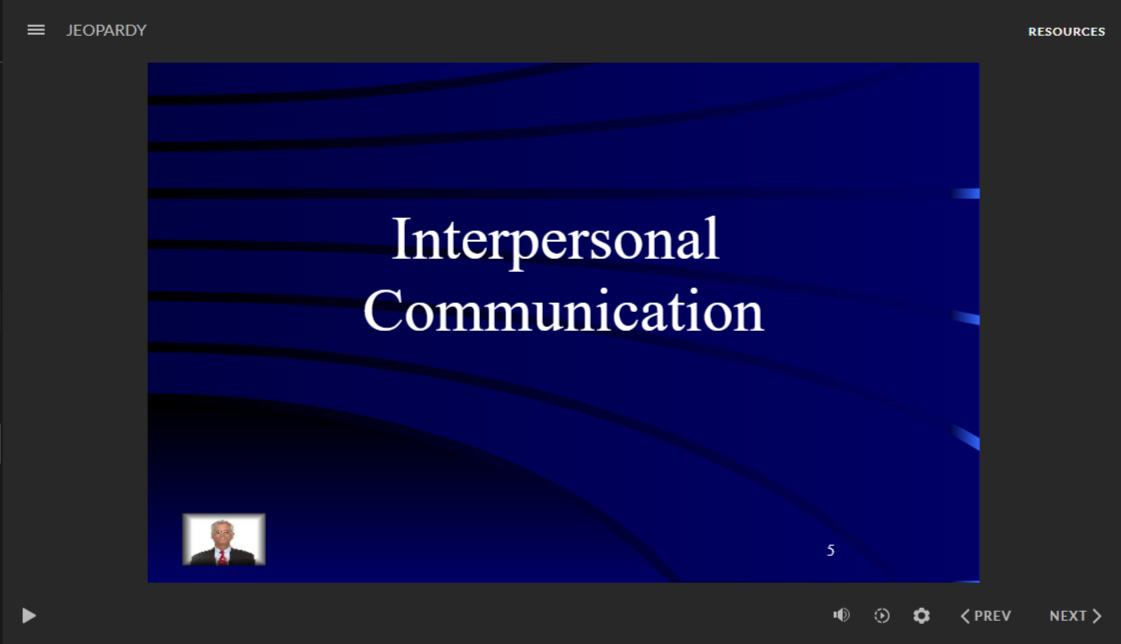
The original activity was a PowerPoint-based Jeopardy review game designed for facilitator-led classroom use. Its instructional content remained useful, but the experience depended on presentation-based navigation, dated visual conventions, and manual facilitation.
Importing the activity into Storyline preserved much of the original PowerPoint structure—including objects, hyperlinks, formatting, and slide relationships—but also revealed the limitations of simply converting legacy content into a new authoring tool.
The design challenge was not to recreate the old game in Storyline. It was to determine what was worth preserving, remove what no longer served the learner, and rebuild the experience as a cleaner, self-directed interaction.
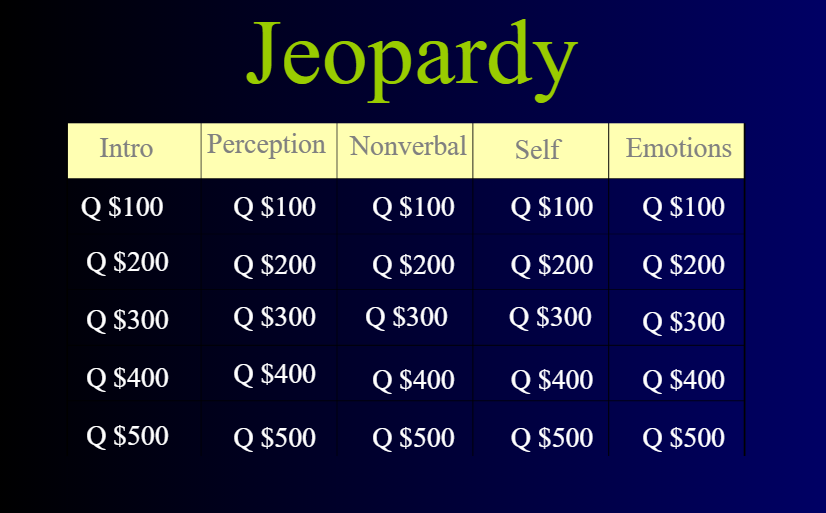
From the original activity
The facilitator-led PowerPoint game used a familiar Jeopardy-style format to review interpersonal communication concepts.
THE DESIGN APPROACH
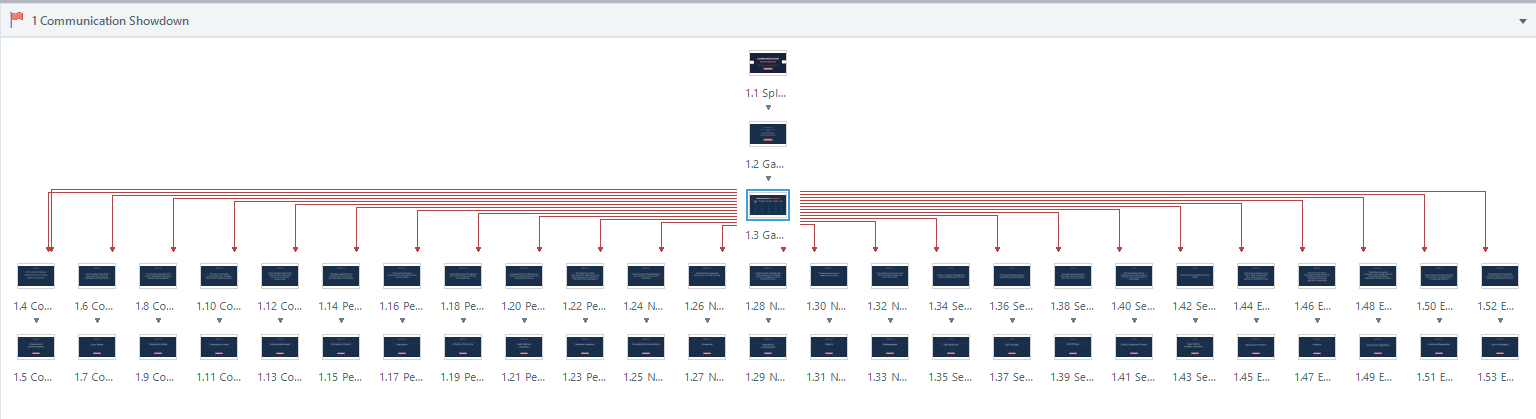
Reconstructing the Navigation Architecture
Each board selection connects to its corresponding clue, each clue progresses to its answer, and every answer provides a consistent route back to the game board. Rebuilding these relationships created a predictable interaction pattern across the full activity.
Rebuilt interaction architecture
Story View reveals the navigation structure connecting the game board to 25 clue-and-answer pathways.
Providing Progress Feedback
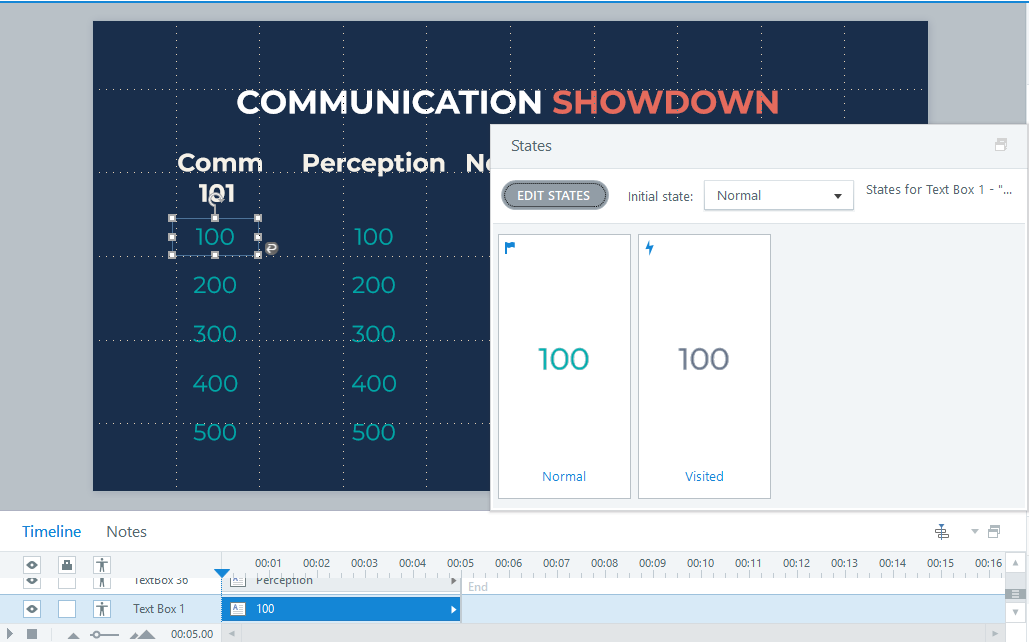
Board selections visually change after use, helping learners distinguish completed questions from those still available without adding instructions or interface clutter.
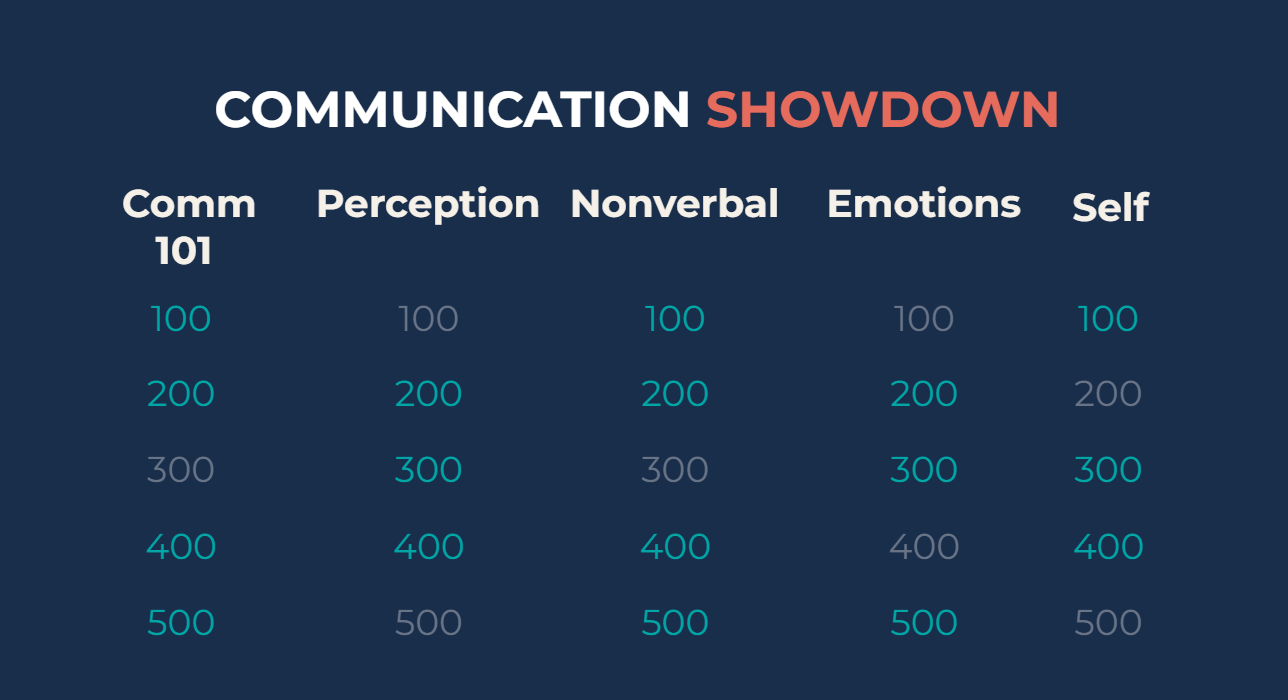
Creating a Cohesive Visual System
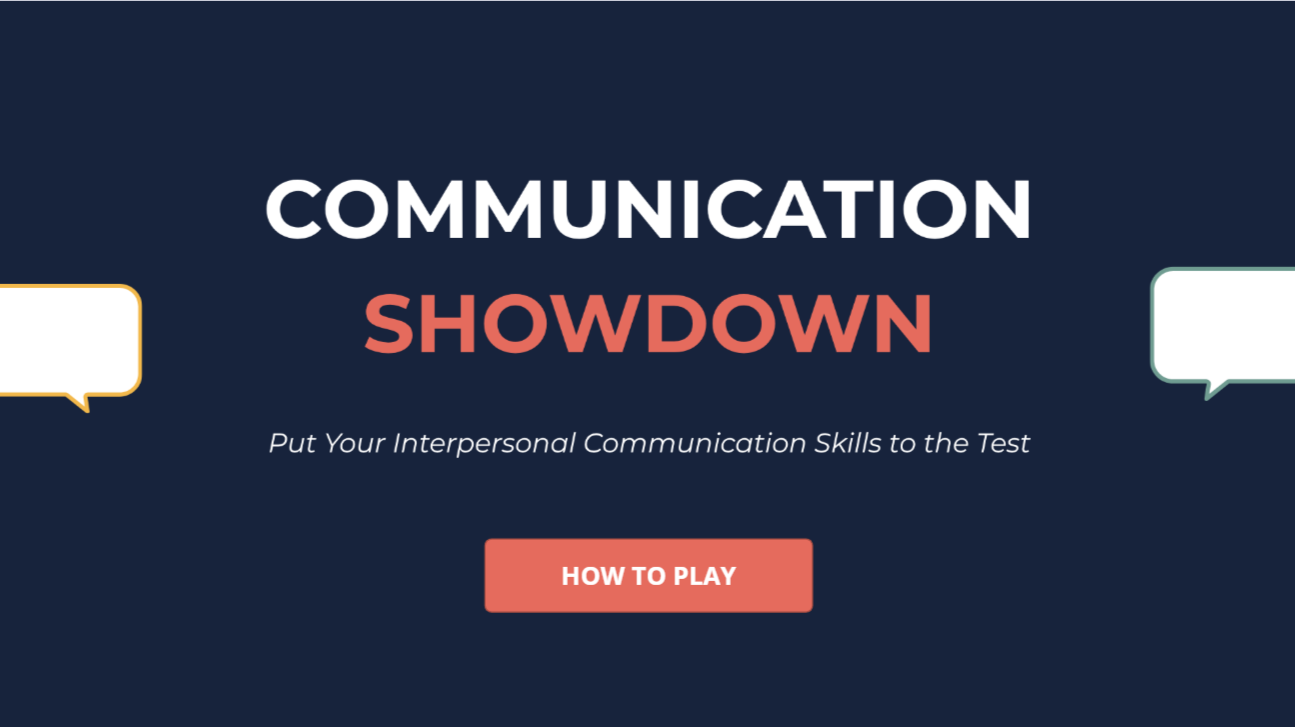
The original PowerPoint styling was replaced with a consistent interface built around a restrained color palette, clearer hierarchy, simplified point values, and reusable navigation elements.
DESIGN PRINCIPLE:
Modernization is more than moving old content into a new tool. Preserve what supports learning; redesign what creates friction.
BUILDING THE INTERACTION
From Legacy Architecture to Purposeful Interaction
The Storyline rebuild required more than visual restyling. Imported PowerPoint objects and navigation were evaluated individually, unnecessary elements were removed, and the interaction architecture was rebuilt around intentional triggers and learner-controlled navigation.
Reconstructing the Navigation Architecture
Each board selection connects to its corresponding clue, each clue progresses to its answer, and every answer provides a consistent route back to the game board. Rebuilding these relationships created a predictable interaction pattern across the full activity.
Replacing Legacy Elements
Imported presentation elements—including facilitator imagery, redundant text boxes, grouped objects, and outdated navigation—were removed or rebuilt rather than retained simply because they survived the import.
Providing Progress Feedback
Board selections visually change after use, helping learners distinguish completed questions from those still available without adding instructions or interface clutter.
Development features:
Articulate Storyline 360 · Object States · Triggers · Learner-Controlled Navigation · Reusable Interaction Patterns · Legacy Content Conversion
Outcome & Reflection
The finished experience demonstrates how existing learning content can be extended rather than discarded. The underlying communication questions remained useful; the delivery system did not.
By separating instructional value from legacy presentation mechanics, the redesign transformed a facilitator-dependent PowerPoint activity into a reusable, self-directed digital learning experience.
Modernizing, Not Recreating
Rebuilding the activity reinforced an important distinction between conversion and redesign. Importing slides into a new authoring tool does not automatically create a new learning experience. Effective modernization requires examining navigation, visual hierarchy, interaction patterns, accessibility, and the learner's experience as a whole.
Working With Legacy Content
Legacy files often contain inherited formatting, objects, and behaviors that are not immediately visible in the new development environment. Rather than layering new functionality over those elements, I evaluated and rebuilt components when necessary to create cleaner, more predictable interactions.
Ready to explore the experience?
See how the redesigned review activity turns legacy content into a modern, self-directed learning experience.